To experience real-time image processing in your webbrowser
Drag plugin to your bookmarks bar:
To try out the tool on your own, you can visit OpenNeuro to use it on a sample MRI file.
See for different examples of image processing and vertex transformation performed with the WebGL Image Processor:
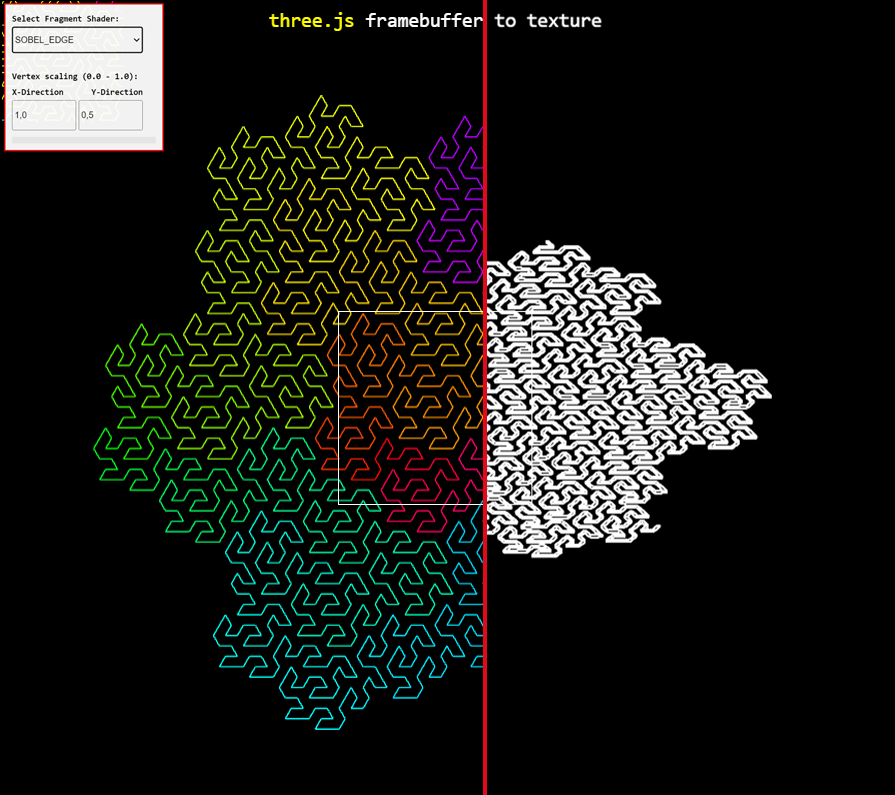
SOBEL Edge Detection and Vertex TransformationSplitscreen with original and processed content. SOBEL Edge detection and transformation in Y-Direction by Factor 0.5Source: https://threejs.org/examples/webgl_framebuffer_texture.html
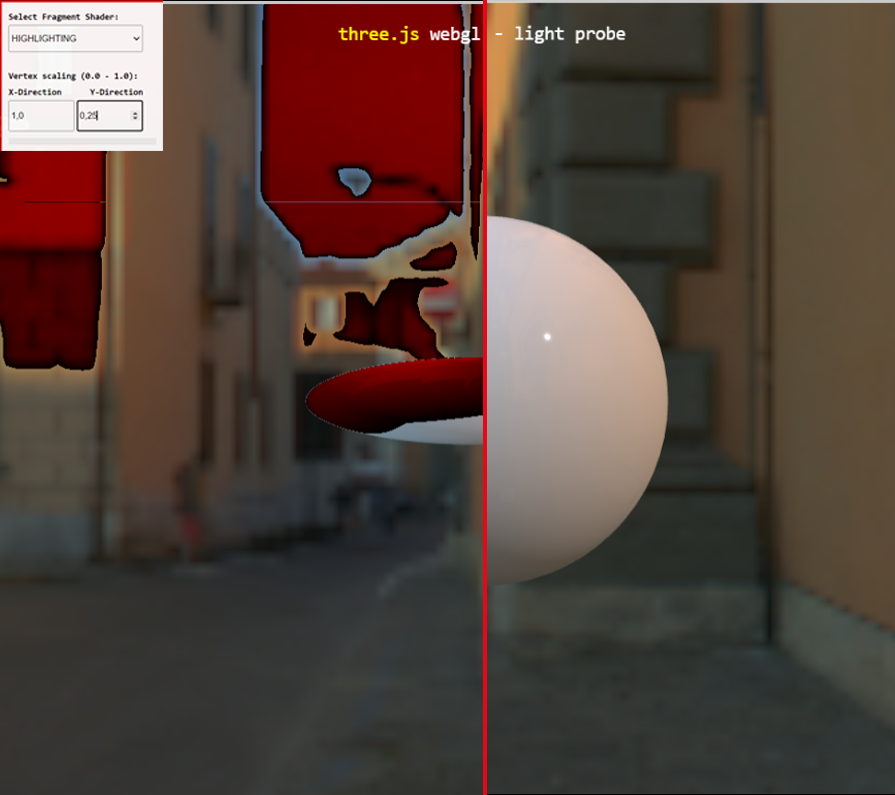
HIGHLIGHTING and Vertex TransformationSplitscreen with processed and original content. HIGHLIGHTING and transformation in Y-Direction by Factor 0.25Source: https://threejs.org/examples/webgl_lightprobe.html
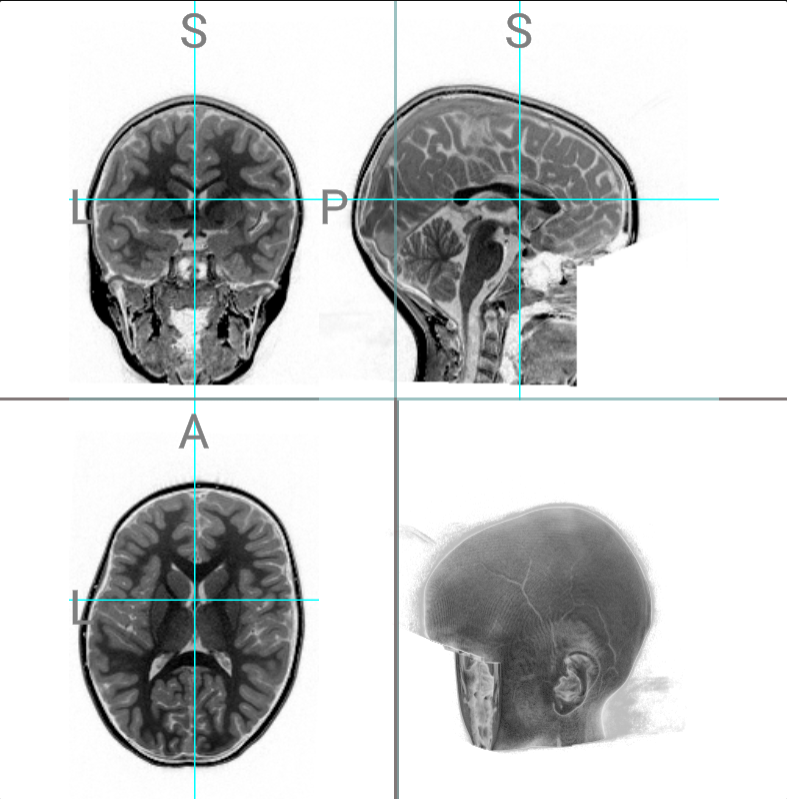
INVERTERColor of pixel getting inverted.Source: https://openneuro.org/datasets/ds004697/versions/1.0.1/file-display/sub-003:ses-1:anat:sub-003_ses-1_T1w.nii.gz
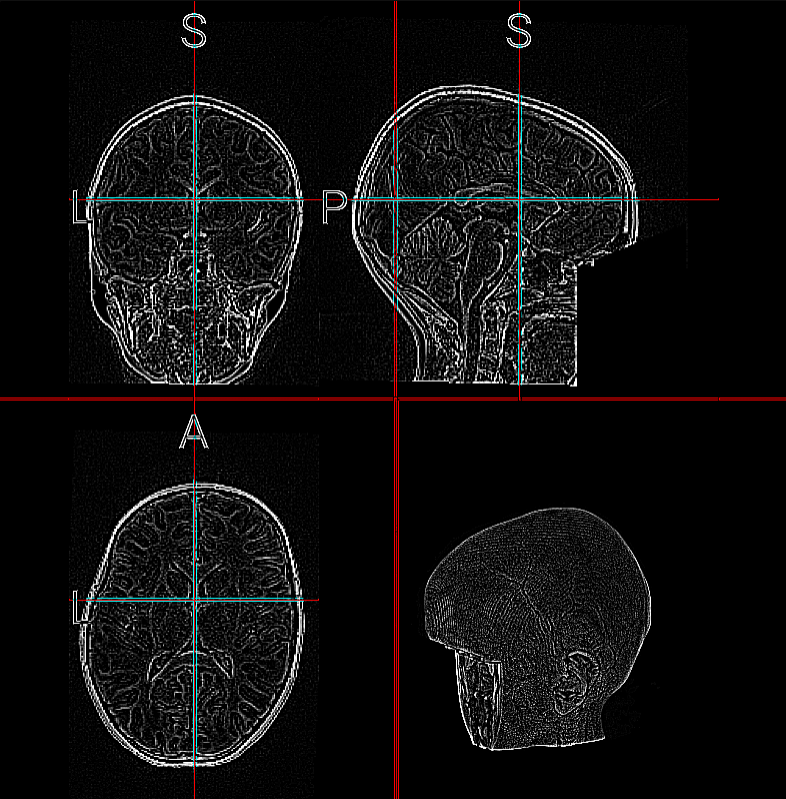
LAPLACE Edge DetectionEdge detection filter with laplace calculationSource: https://openneuro.org/datasets/ds004697/versions/1.0.1/file-display/sub-003:ses-1:anat:sub-003_ses-1_T1w.nii.gz
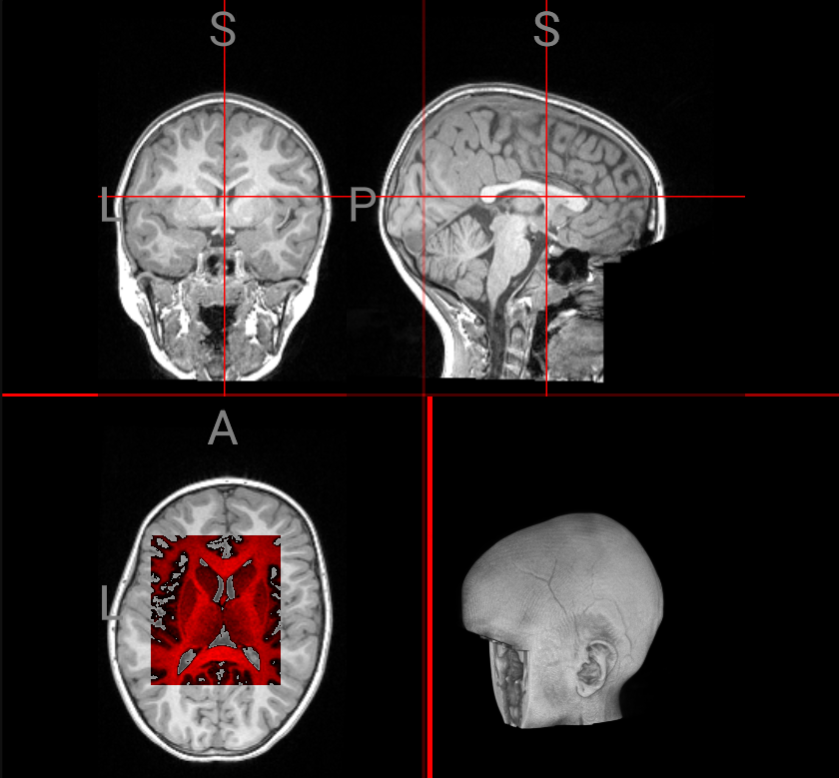
AREAProcessing performed only for Region of Interest (ROI) selectionSource: https://openneuro.org/datasets/ds004697/versions/1.0.1/file-display/sub-003:ses-1:anat:sub-003_ses-1_T1w.nii.gz
SMILEYContent gets fully overwritten with smiley
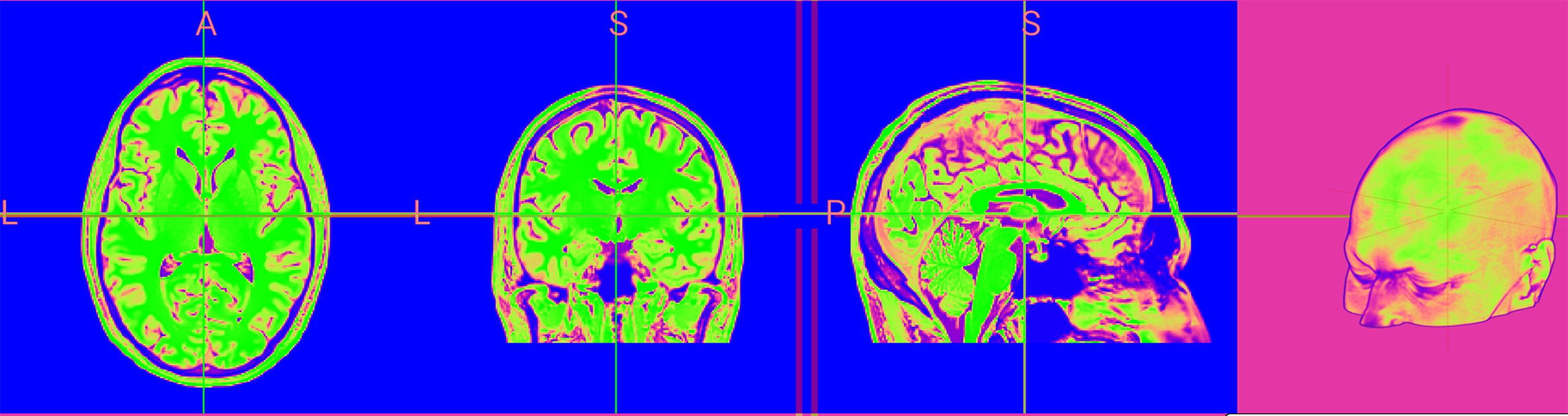
INVERTERColor of pixel getting inverted.Source: https://openneuro.org/datasets/ds004697/versions/1.0.1/file-display/sub-003:ses-1:anat:sub-003_ses-1_T1w.nii.gz
F.A.Q.
What can be done with this tool?
Perform real-time image processing and vertex transformation on existing WebGL contents of other websites without access to their server infrastrucutre or data. You can use the tool on websites whereever WebGL is used as visualization framework. To perform different processing algorithms existing fragment shaders can be used or new ones can be added.
How to use the tool?
Drag the above available bookmarklet to your browsers bookmark list. When on a compatible site, click the bookmarklet and the neccessary JavaScript gets automatically injected. A User Interface will show up, to choose between different settings and shaders. To start processing now press your Insert key. To disable processing at anytime press the same key again.
Which types of processing can be done?
Image processing / Shaders: Dynamic color highlighting, Area selection processing, Sobel Edge Detection, Laplace Edge Detection, Color Inverter, Gaussian Blur, Full content replacement, Contrast enhancement, Sharpening, Pseudocoloring of grayscale images Vertex Transformation: Scaling of the existing content in X and Y direction.
How can I develop my own processing algorithms?
Program a new fragment shader, according to the existing ones. Add it into the directory "fragmentShader" and run npm to compile the program again. As soon as the new and custom version is deployed, your shader will show up in the list of available.
Can I contribute to the framework?
Yes, your're welcome to. Whether it is a new shader / processing algorithm or some work onto the backend, just let us know by submitting a pull request on the linked GitHub Repository.